Fernbedienung
Free firmware for the M-VAVE FM-1
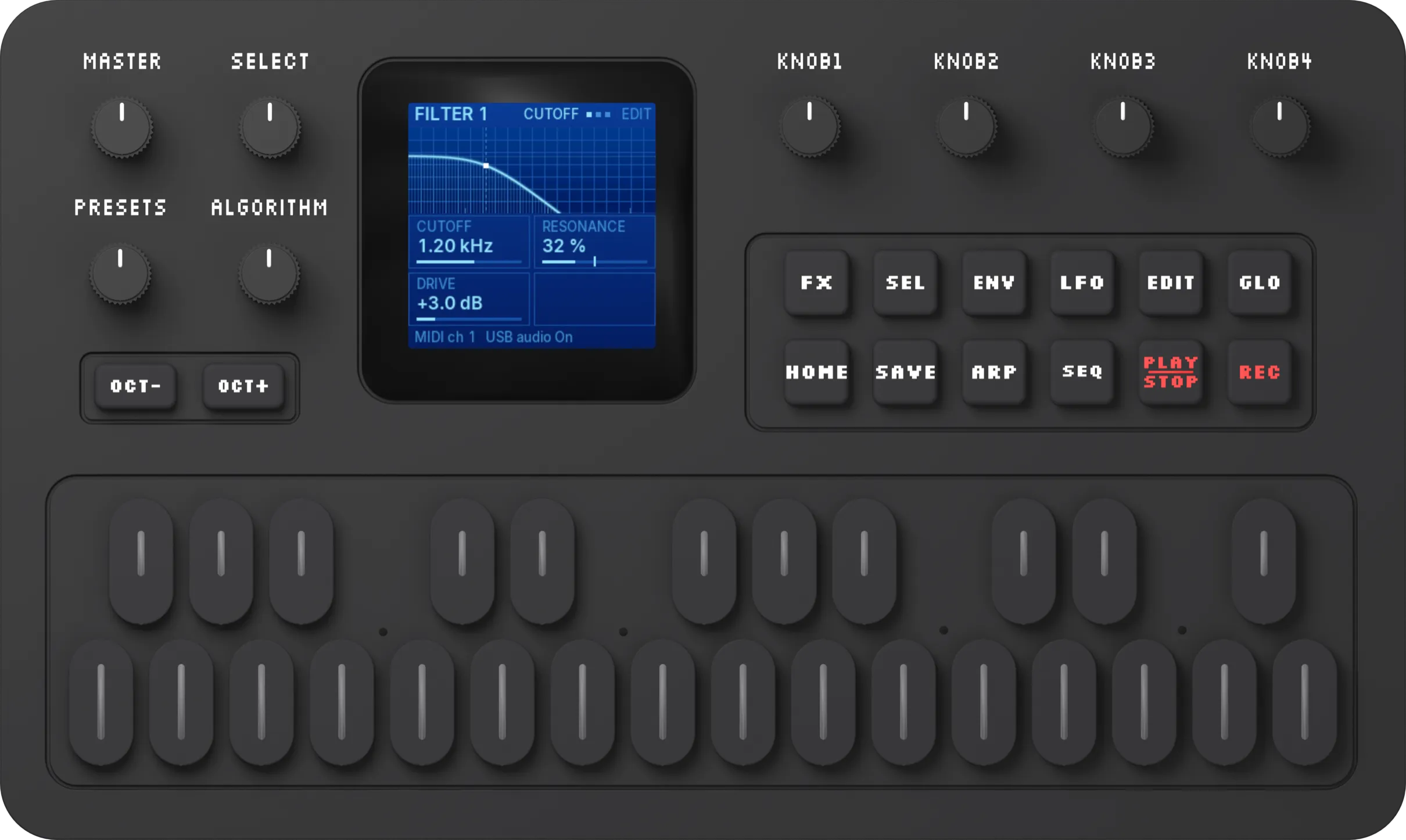
Use an M-VAVE FM-1 to play and control Steckfeld SF1.
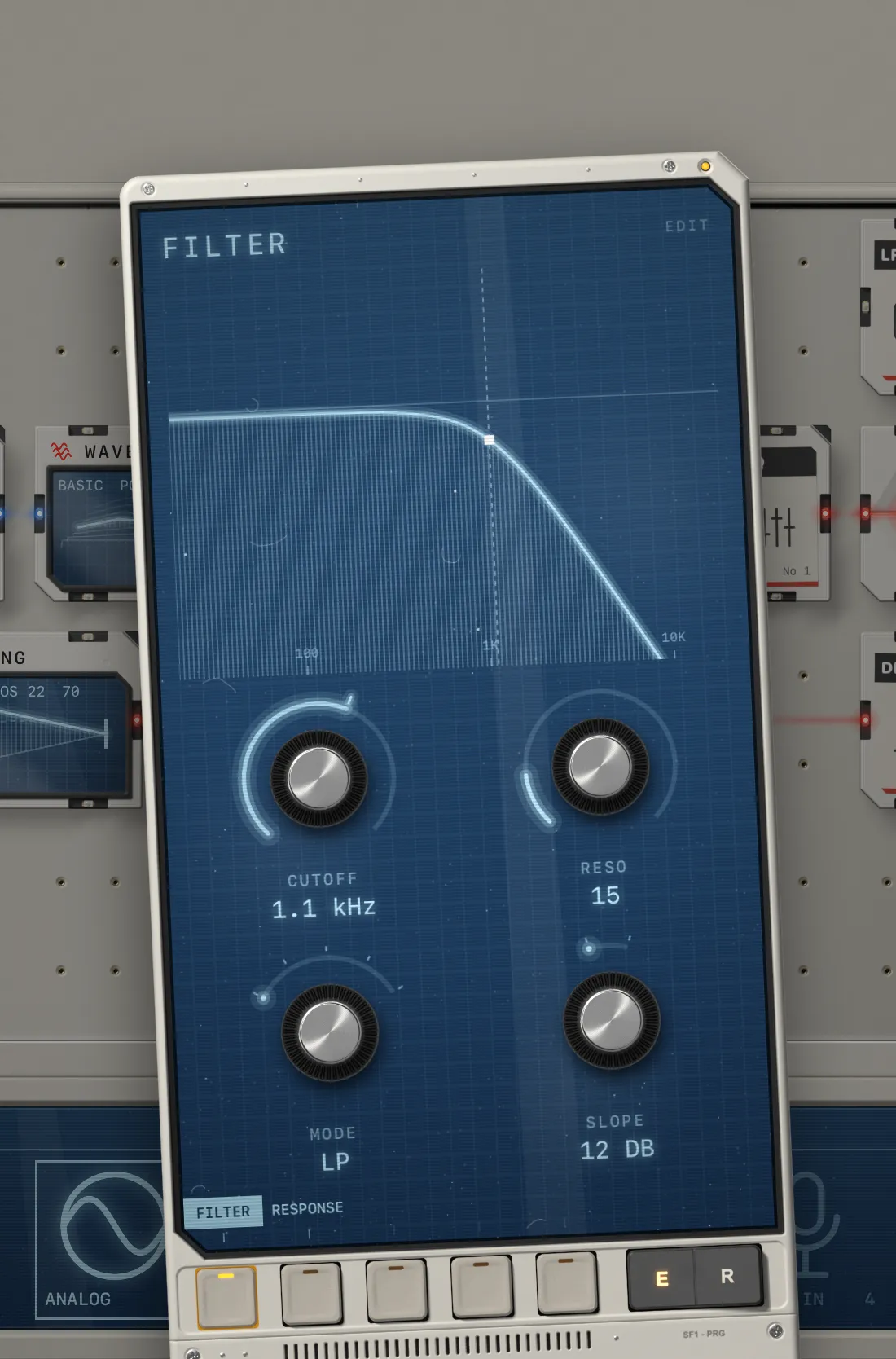
Fernbedienung is free firmware for the FM-1. Connect it to your iPad or iPhone with one USB-C cable and the FM-1 is your audio interface and your controller at once. Its screen shows the same values as Steckfeld SF1, so you edit sounds with its knobs and play with its keys.
Free · Chrome or Edge · Source · Manual
01The programmer
Edit every part from the FM-1.
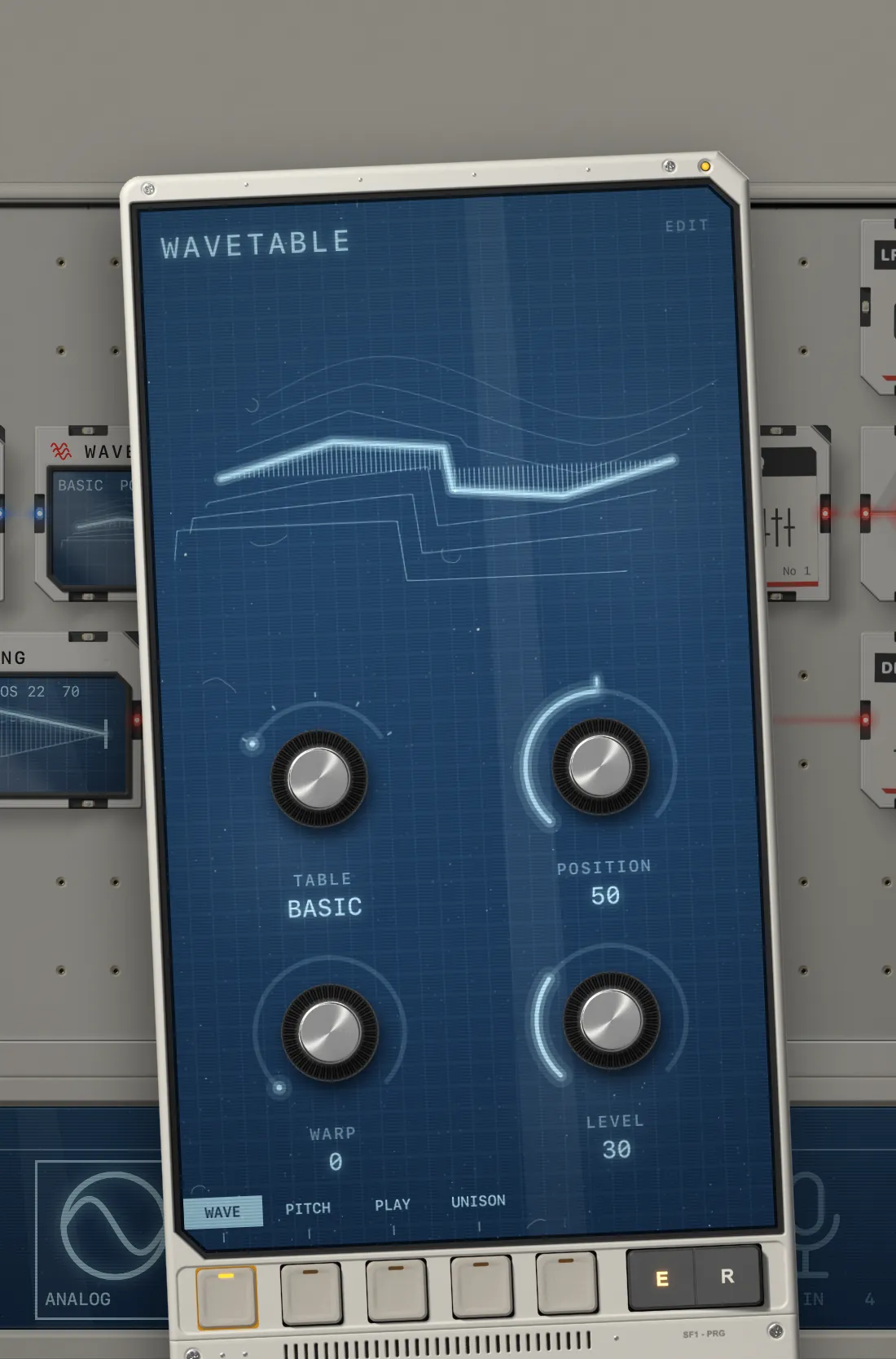
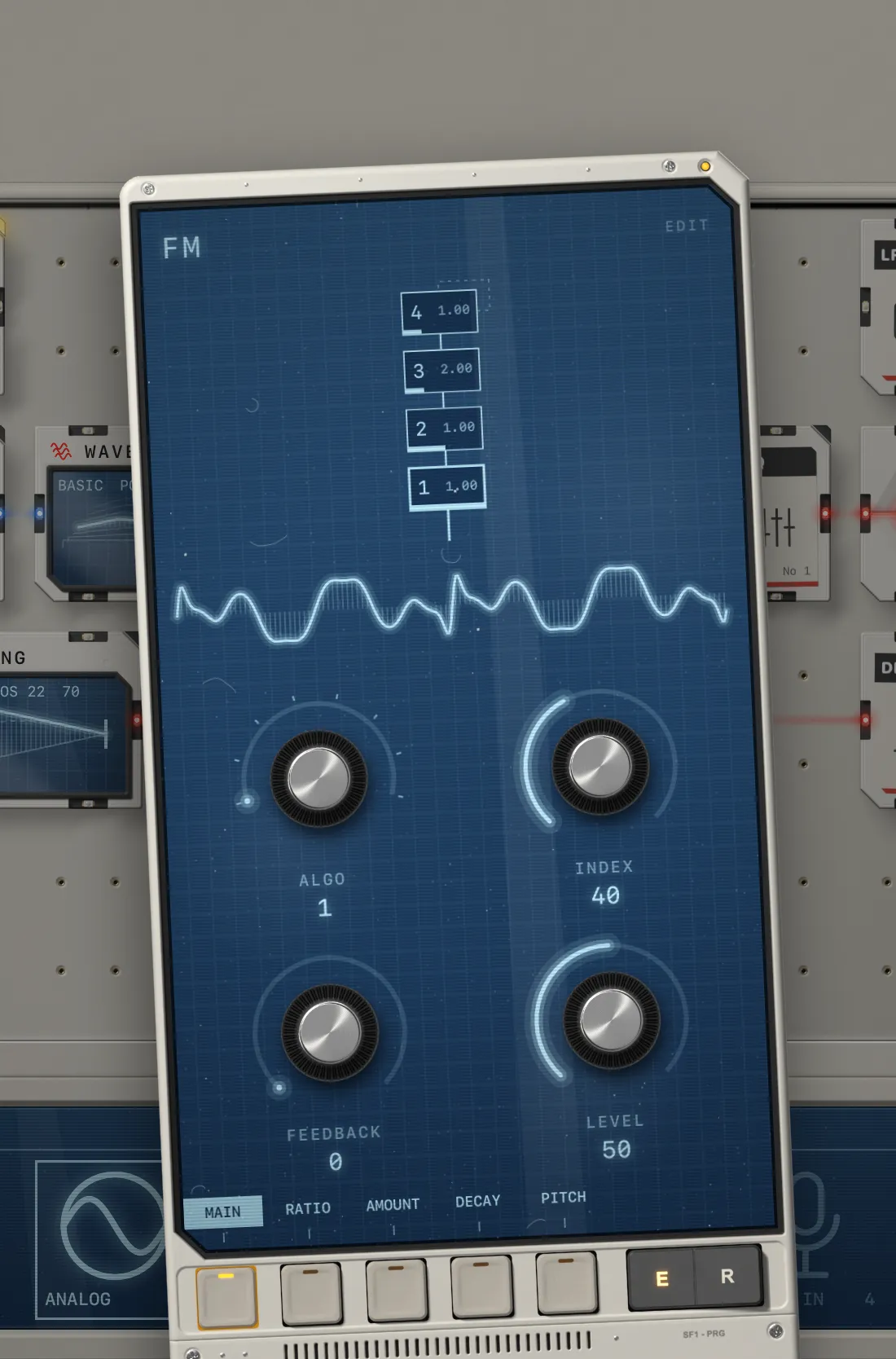
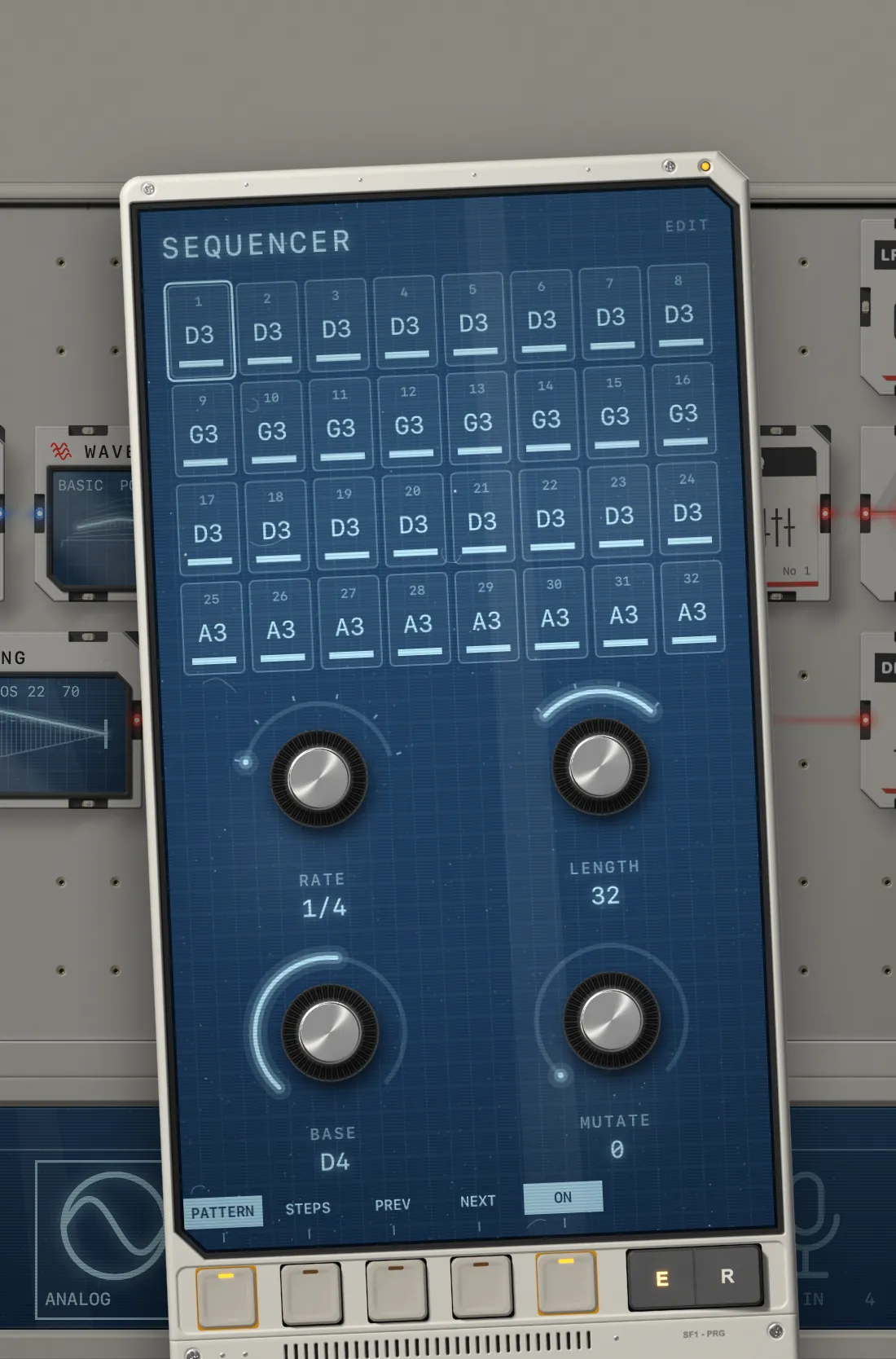
The FM-1's screen shows the same values as Steckfeld SF1. When you pick a part, on the FM-1 or on the iPad, the FM-1 shows its picture, its pages and four values. KNOB 1 to 4 change those four, SELECT turns the page. You don't have to look at the iPad while you turn.
That makes the FM-1 your programmer. The only thing you still do on the iPad is place parts in the bay.
The crews' modules get their own screens on the FM-1, in their crew's look: VÝPIS, COMBINÉ, 曲げ MAGE and SCHLIERE.
Turn quickly to cover the whole range, slowly for fine changes.
On its EDIT page you choose whether the programmer still opens on screen. Set OPEN to Never and the whole screen stays with the bay while the FM-1 is connected.
02Shortcuts
A button for each kind of part.
SEL, FX, LFO, ENV, SEQ, ARP and GLO jump to the part of that kind you used last. Press the button again to switch between Edit and Route. Buttons with no part of their kind in the bay stay dark.
Click a button to see what it's for.
03Audio interface
Use the FM-1 as your audio interface.
The USB-C cable carries sound as well as control, so you plug your headphones or mixer into the FM-1. On an iPhone, with its single port, that gets you a controller and wired headphones without a hub.
- Sound goes from Steckfeld SF1 to the FM-1's audio output
- Control goes from the FM-1's knobs, buttons and keys to Steckfeld SF1
The 27 keys play your patch through its MIDI In part, the same way a USB keyboard does. OCT− and OCT+ change the octave. In the sequencer they put notes on the steps.
04Install
Install it from this website.
The installer writes the firmware from the browser. Don't unplug the FM-1 while it writes. It can also put the original M-VAVE firmware back.
- 1Connect the FM-1 to a computer and open the installer in Chrome or Edge.
- 2Press Install and wait until it says Done.
- 3When the FM-1 restarts, connect it to your iPad or iPhone.
05Specs
What's built and what already works.
- Programmer
- KNOB 1 to 4 turn the four values of the page you have open, SELECT changes the page
- testing
- Screen
- The open part with its picture and four values, cables on Route, the patch list
- testing
- Parts
- One button per kind of part, tap again to switch between Edit and Route
- testing
- Crew modules
- VÝPIS, COMBINÉ, 曲げ MAGE and SCHLIERE in their crew's look
- testing
- Patches
- Browse with PRESETS, filter by category, load with REC
- testing
- Keys
- 27 keys play Steckfeld SF1, with octave, MIDI channel and velocity
- testing
- Audio
- Steckfeld SF1 plays through the FM-1's audio out, MASTER sets the volume
- testing
- Connection
- One USB-C cable to iPad or iPhone
- testing
- Theme
- Follows Steckfeld SF1, or always light or dark
- testing
- Install
- From this website in Chrome or Edge, and back to the official firmware
- Today
- Steckfeld SF1 already learns the knobs of any MIDI controller
- works
- Price
- Free. GPL-3.0.
Until Steckfeld has hardware of its own, this is it.